
简介:
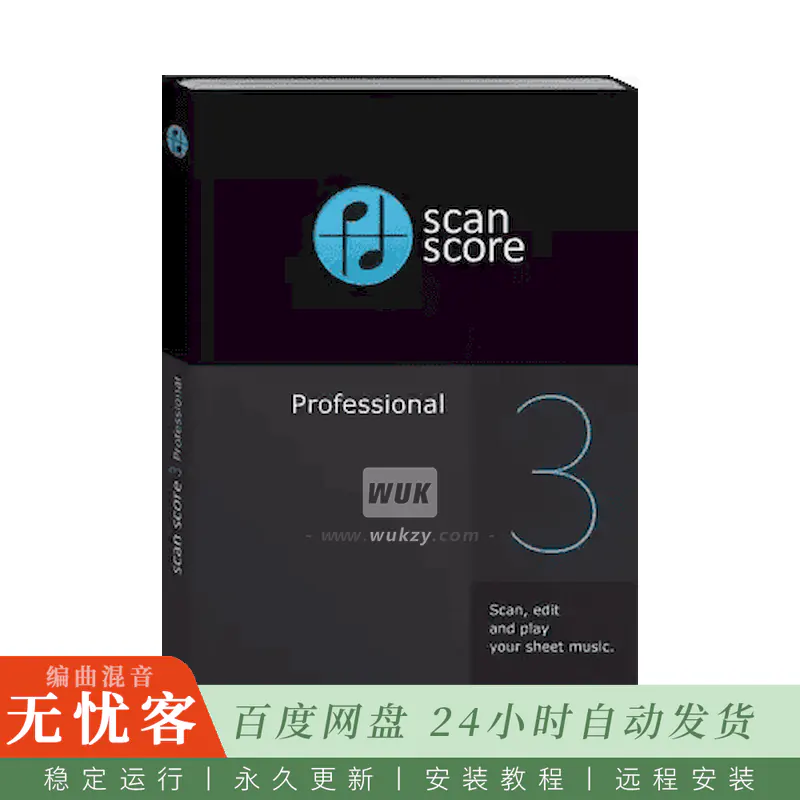
ScanScore专业版3.5.0
P2P | 日期: 2026.9 | 大小: 196.4mb
使用ScanScore,您可以快速、轻松地扫描、播放并编辑乐谱。只需下载ScanScore,使用您的智能手机、平板电脑或扫描仪扫描乐谱,即可播放乐曲。而且您还可以轻松地移调乐谱,将音符导出至几乎任何音乐制作软件,并进行进一步编辑。
如果每一首乐谱上都配有一个播放按钮,那该多好啊?
现在,有了ScanScore,它做到了!
-扫描纸质和数字乐谱
-播放你的分数
-对笔记进行编辑和更正
-调换音符、谱表或整个乐谱
-导出您的乐谱,以便在其他程序中进一步处理*
* 类似于MuseScore、Dorico、Sibelius、FORTE、Capella、Notion或Finale
扫描您的乐谱并聆听。
-使用您偏好的扫描方式扫描乐谱
-让它为你弹奏音符
-在管弦乐队,合奏团或合唱团排练之前练习您的声音或乐器独奏
扫描您的乐谱并进行移调。
-在ScanScore中直接对整个乐谱或单个谱表进行移调
-调整调性,使其更易于演奏或演唱
-将乐谱改编为另一件乐器
-仅需点击几下,即可打印转调后的乐谱
扫描您的乐谱并进行编辑。
-使用ScanScore的校正工具轻松编辑乐谱
-通过MusicXML或MIDI,一键将您的笔记导出至几乎任何音乐应用程序。
-在那里,您可以进行简化、添加五线谱、更改布局等等!
是什么让ScanScore成为您理想的乐谱扫描软件……
用户友好——扫描乐谱,快速获得结果
-用户界面非常易于理解
-您可以在几分钟内轻松地将乐谱数字化,无需任何烦恼。
丰富且便捷的校正与编辑选项
-扫描错误的修正功能全面且便捷
-播放功能使查找错误变得容易。
支持灵活的导入功能,并可识别PDF文件
-您可以扫描或读取存储在计算机中的数字文件。
-甚至pdf文件,例如从IMSLP库,是没有问题的ScanScore。
音符识别显著提升
ScanScore采用最新的检测算法,能够取得优异的检测效果。
导出为MusicXML或MIDI格式,供所有程序使用
您可以通过MusicXML或MIDI界面将音符 (只需单击按钮) 导出到几乎任何音乐程序。
简介:
ScanScore Professional 3.5.0
P2P | Date: 2026.9 | Size: 196.4 MB
Scan, play and edit sheet music quickly and easily with ScanScore. Simply download ScanScore and use your smartphone, tablet or a scanner to scan your sheet music and play it back to you. And you can just as easily transpose your score, export your notes to almost any music program and edit them further.
Wouldn’t it be fantastic if every piece of sheet music had a play button?
Now with ScanScore, it has!
– Scan printed and digital sheet music
– Play back your score
– Make edits and corrections to the notes
– Transpose notes, staves or the whole score
– Export your score for further processing in another program*
* Like MuseScore, Dorico, Sibelius, FORTE, Capella, Notion or Finale
Scan your sheet music and listen to it.
– Scan the sheet music with your preferred scanning method
– Let it play the notes for you
– Practice your voice or your instrumental solo before an orchestra, ensemble or choir rehearsal
Scan your sheet music and transpose it.
– Transpose the whole score or just single staves directly in ScanScore
– Change the key and make it easier to play or sing along
– Adapt the score to another instrument
– Print your transposed score with just a few clicks
Scan your sheet music and edit it.
– Edit your score easily with ScanScore’s correction tools
– Export your notes (at the click of a button) to almost any music app via MusicXML or MIDI
– There you can simplify, add staves, change the layout and much more!
What makes ScanScore the right music scanning software for you…
User-friendly – scan sheet music and get fast results
– The user interface is very easy to understand
– You can digitize your sheet music within a few minutes, without frustration
Extensive, convenient correction and editing options
– The correction of scanning errors is extensive and convenient
– The playback feature makes finding errors easy
Flexible import possibilities with recognition of PDF files
– You can scan or read in files that you have digitally on your computer
– Even PDF files, for example from the IMSLP library, are no problem for ScanScore.
Significantly improved note recognition
ScanScore works with the newest detection algorithms to produce excellent results.
Export to all programs as MusicXML or MIDI
You can export your notes (at the click of a button) to almost any music program via the MusicXML or MIDI interface.

评论0