
简介:
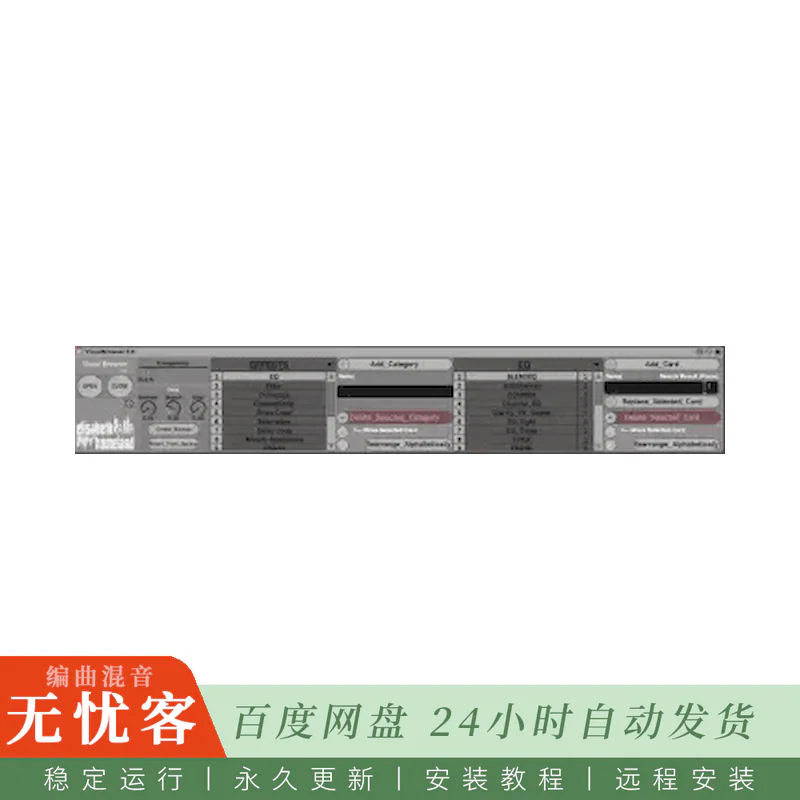
适用于live设备AMDX的ElisabethHomeland Visual Browser v2.2 Max (更新)
AMDX | 7.52 MB
Visual Browser是一款MaxForLive设备,可让您轻松查找并加载设备、插件、轨道预设,以及几乎所有可通过Ableton Live浏览器访问的内容。
再也不用在成堆的插件中苦苦寻找你想要的那个了。
更新日志:
2.2 – 2022.02.14
-新: 您可以决定是否要在插件/设备加载后关闭Live的浏览器。
-新: 您现在可以更改类别和卡片的文本大小。
-新: 你现在可以决定在哪里加载下一个插件/设备:
在链的末端/在所选设备之前/在所选设备之后。
-在主窗口中重新排列的调整部分。
-改进的AHK模式 (修正了使用AHK模式的第三方插件负载的问题)
-Live浏览器中的搜索字段现在每次使用VB后都会被清除。
-更新文档
简介:
ElisabethHomeland Visual Browser v2.2 Max for live device AMDX (Update)
AMDX | 7.52 MB
Visual Browser is a MaxForLive device that makes it easy to find and load Devices, plugins, Track presets, or basically anything that is accessible from Ableton Live’s browser.
No more searching through countless plugins to find the one you want.
Changelog:
2.2 – 2022.02.14
-New: You can decide if you want to close Live’s Browser after plugin/device load or not.
-New: You can now change the text size of the Categories, and Cards.
-New: You can now decide where to load the next plugin/device :
At the end of the chain/Before the selected device / after the selected device.
-Rearranged tweaks section in the main window.
-Improved AHK mode (fixed an issue with third party plugin load using AHK mode)
-the search field in Live’s browser now gets cleared every time after you use VB.
-Updated documentation

评论0